Build your community's landing page right inside Heartbeat
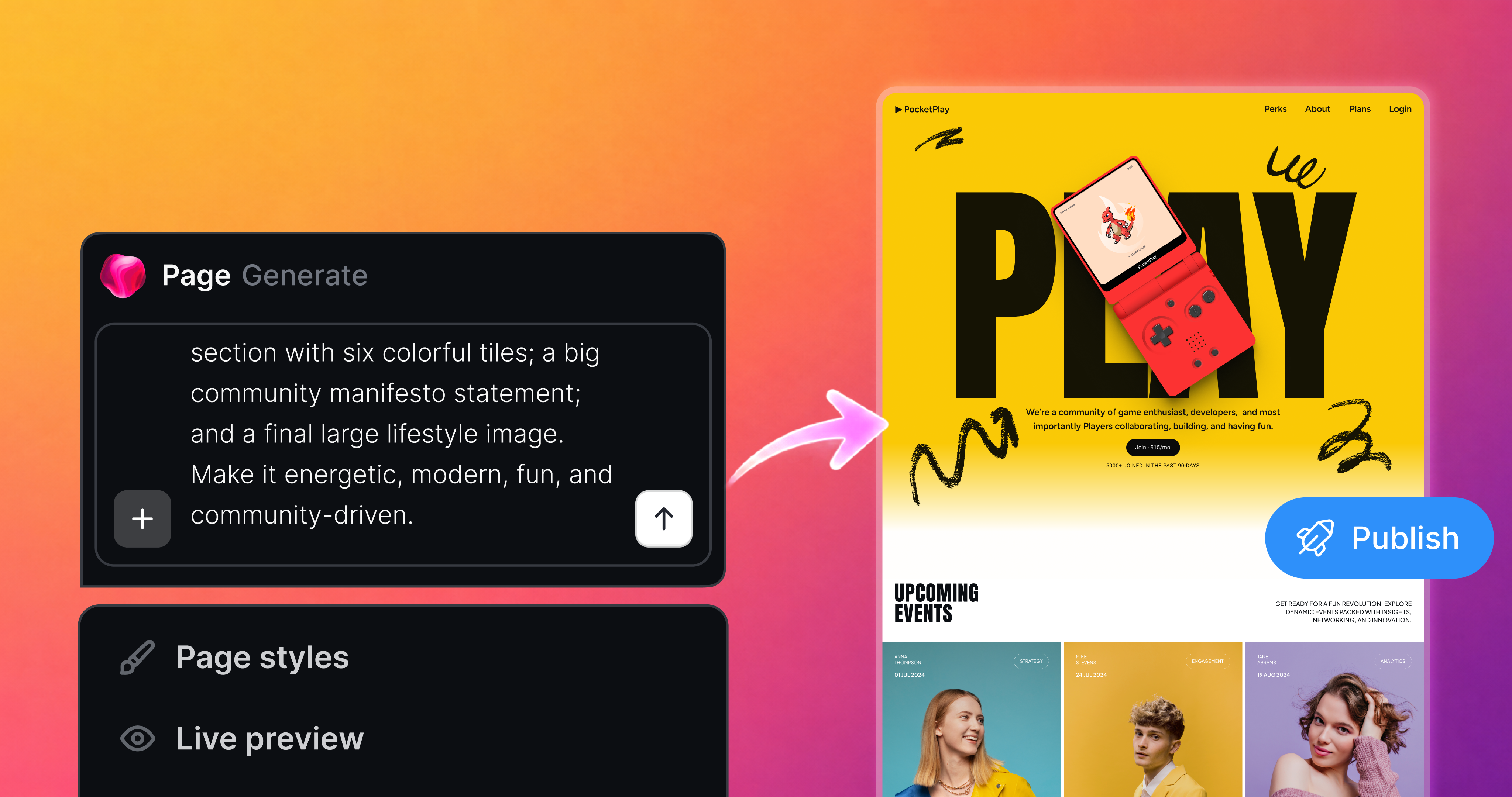
Pages is here. Build a fully custom landing page for your community without bouncing prospects out to Wordpress, Squarespace, or straight into a checkout link.
Your landing page is the first thing visitors see before they decide to join. It sets the tone for your brand and it is where warm interest turns into signups. Now you build it where your community already lives, and Pulse does the heavy lifting.
Start with a prompt

Tell Pulse what you're building and it generates a publish-ready first draft for you to shape. A signup page, a full landing page, or a waitlist page for something you haven't launched yet. Pulse turns the idea in your head into a real page, matched to your branding, in one pass.
Pre-launch? Pages support waitlists to build anticipation and capture interest before your community doors open.
Edit anything, two ways
Everything on a Page is editable. There is no separate design mode to learn.
Left-click any text, button, image, icon, or video to edit it in place. Swap in your own images or pull from Stock Photos. The page updates instantly.
Right-click to open Pulse for the bigger moves: redesign a section, add or remove sections, add motion. Describe what you want and Pulse reads the full page, matches your existing design, and builds it.
Every change is saved as a version, whether it came from a click or from Pulse. Don't like an edit? Open version history and revert to any earlier version.
Publish and share
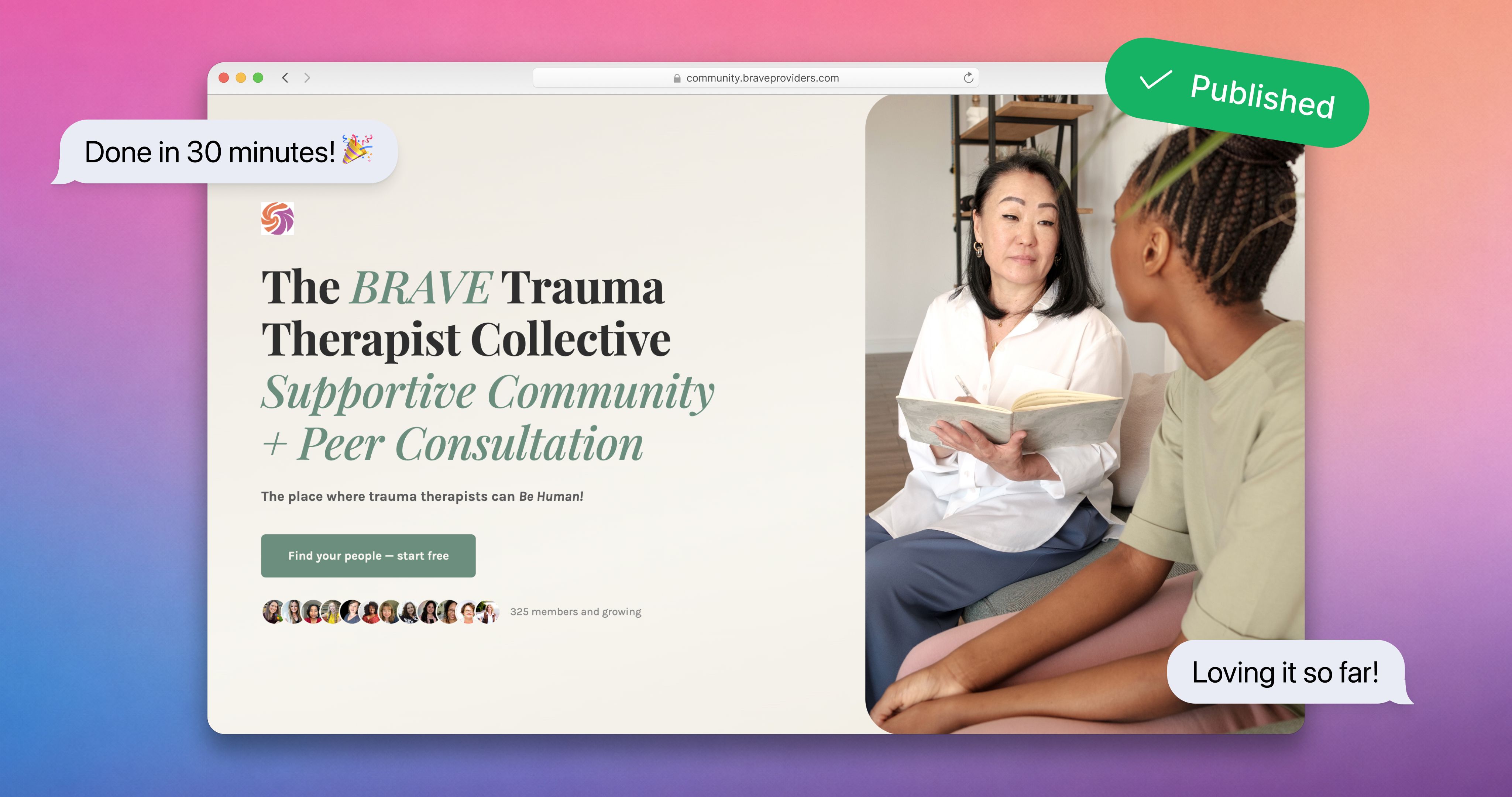
When you're ready, open the three-dot menu, choose Edit page information, and set your slug to give the page a clean, readable URL. Then hit Publish. Your page goes live immediately.
Click Preview to see the live URL and exactly what visitors see. Share that link anywhere, and visitors can sign up for your community straight from your Page.
Once a page is published, new edits stay staged until you publish again, so you can experiment freely and push updates only when you're ready.
Already sharing a sign-up link?
Every Page has its own URL. If you're building a Page to replace a landing page you used with an existing Sign Up Link, that old link won't point to your new Page. Update it everywhere you share it (link in bio, social profiles, emails, ads) so visitors land on the new Page.
Pulse builds your community. Now it helps you sell it.