View payments and issue refunds without leaving Heartbeat
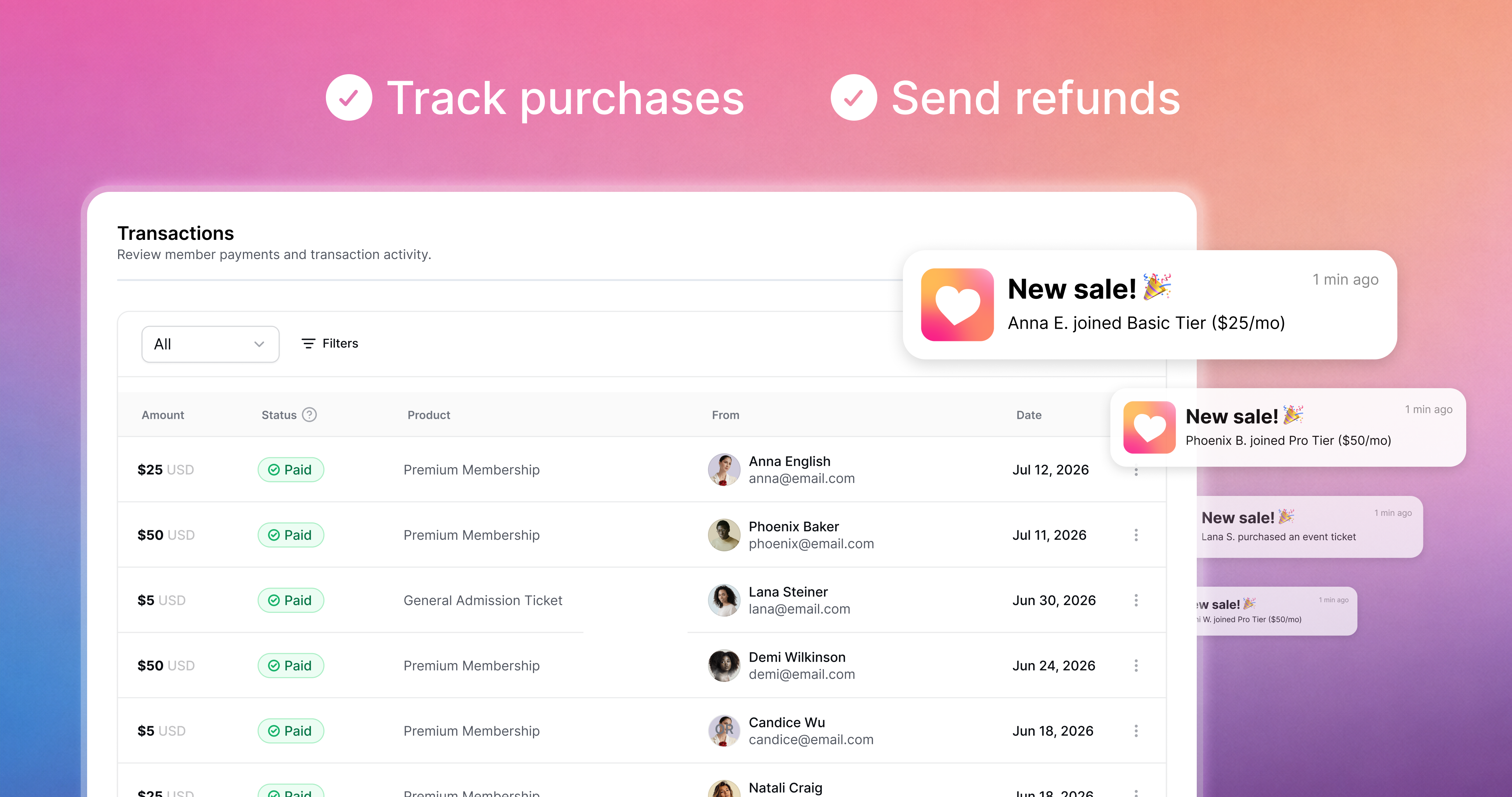
One less reason to open the Stripe dashboard. Every payment your community takes now shows up right inside Heartbeat, and refunds happen there too.
How it works
Head to Settings > Revenue > Transactions to see all your payments in one table. Each row connects to the rest of Heartbeat: click the product to open the offer or event it came from, click the buyer to open their member profile, or use the 3-dot menu to view full payment details and issue a refund.
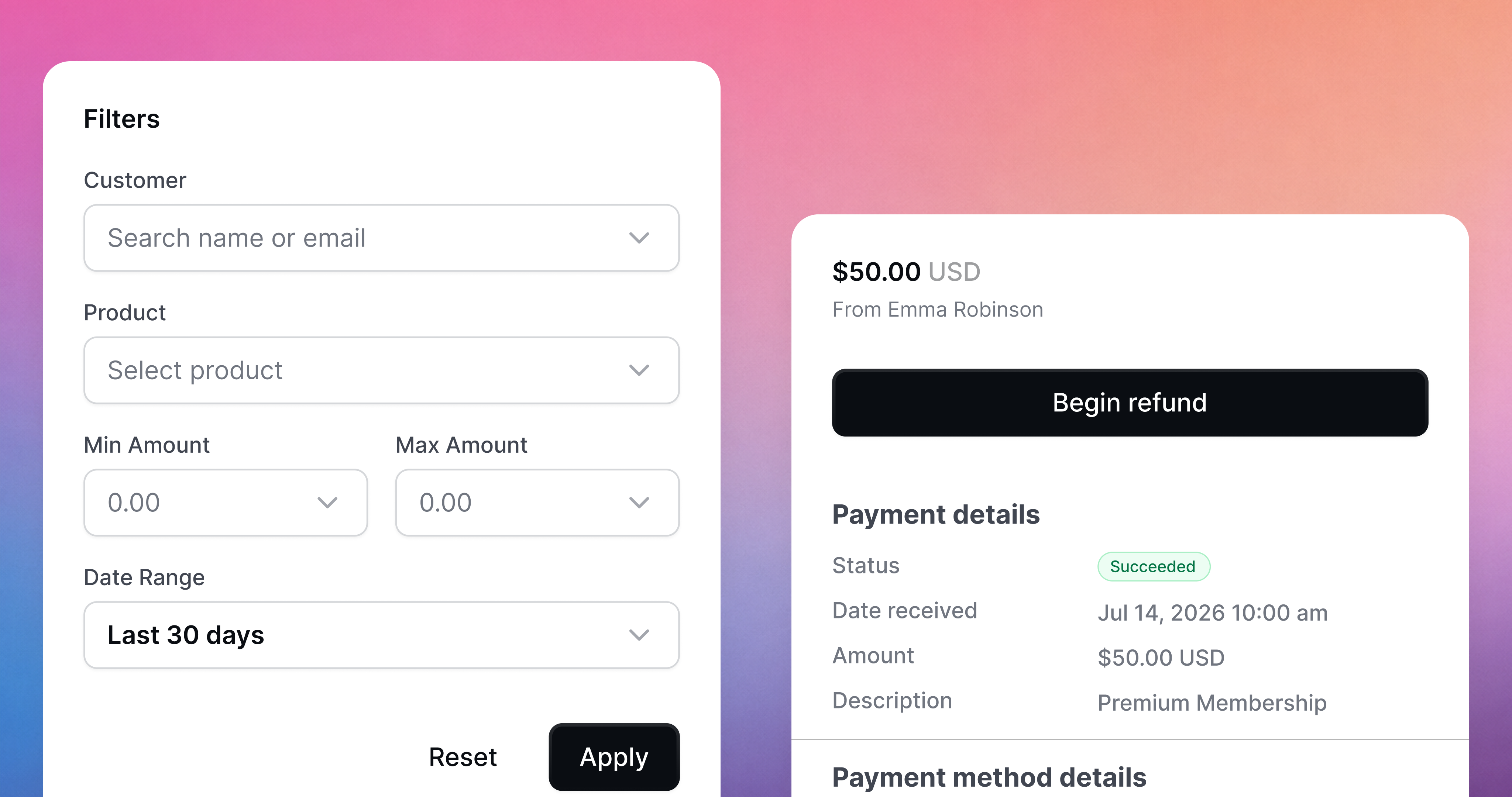
Looking for a specific payment? Hit the Filters button at the top of the table. You can narrow by the following filters:
customer (search their name or email)
Product (search by offer name or event ticket)
Amount range (in any currency); and
Date range (support for custom date ranges)
Full walkthrough in the help center. The Stripe dashboard isn't going anywhere. You'll just need it a lot less.