Custom domains just got easier (plus, your first year is free)
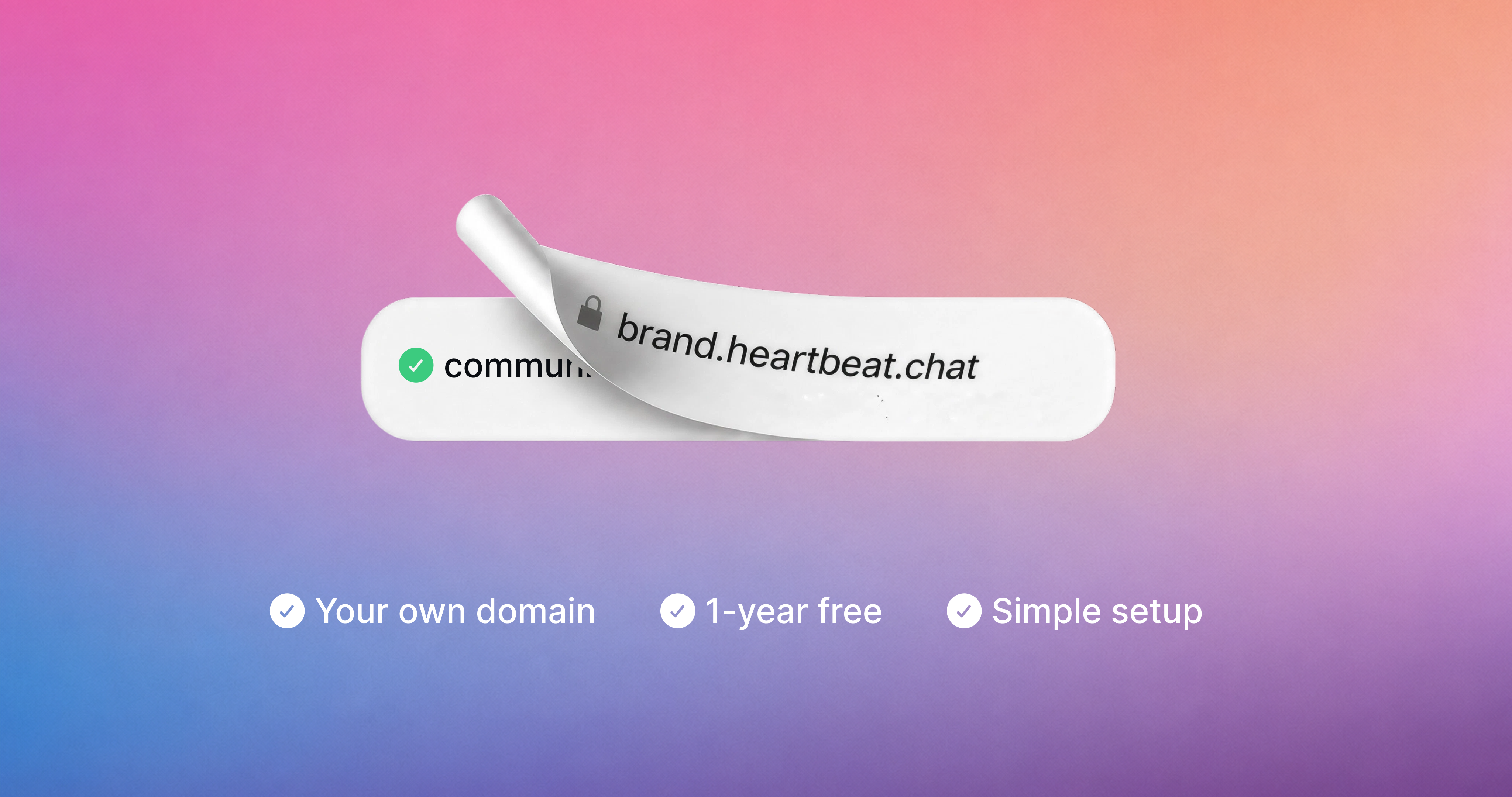
Connecting a custom domain to your community used to mean copying DNS records into your registrar, waiting, and wondering if you did it right. Now it takes a couple of clicks to host your community on your own domain.
Type in your domain, hit Connect, and we sign into your domain provider with you and set up the records automatically. That works for your community domain, your email sending domain, or both at once.
Don't have a domain yet? Get one through Heartbeat. It's free for your first year, and you'll see exactly what it costs to renew before you claim it.
Already have a domain connected? You're all set. Your domain stays active exactly as it is, and there's nothing you need to do.
How it works
Head to Settings > Community > Domains and enter the domain you want, or pick "Or, get a free domain" to register a new one. For most domain providers we handle DNS setup for you.
After that, your domain is Active once the records finish propagating, usually within a few minutes and at most 24-48 hours. Learn more here.
Email on your domain too
If your community is already on a custom domain, you can now start sending community emails from that same domain with one click.
A cleaner Domains page
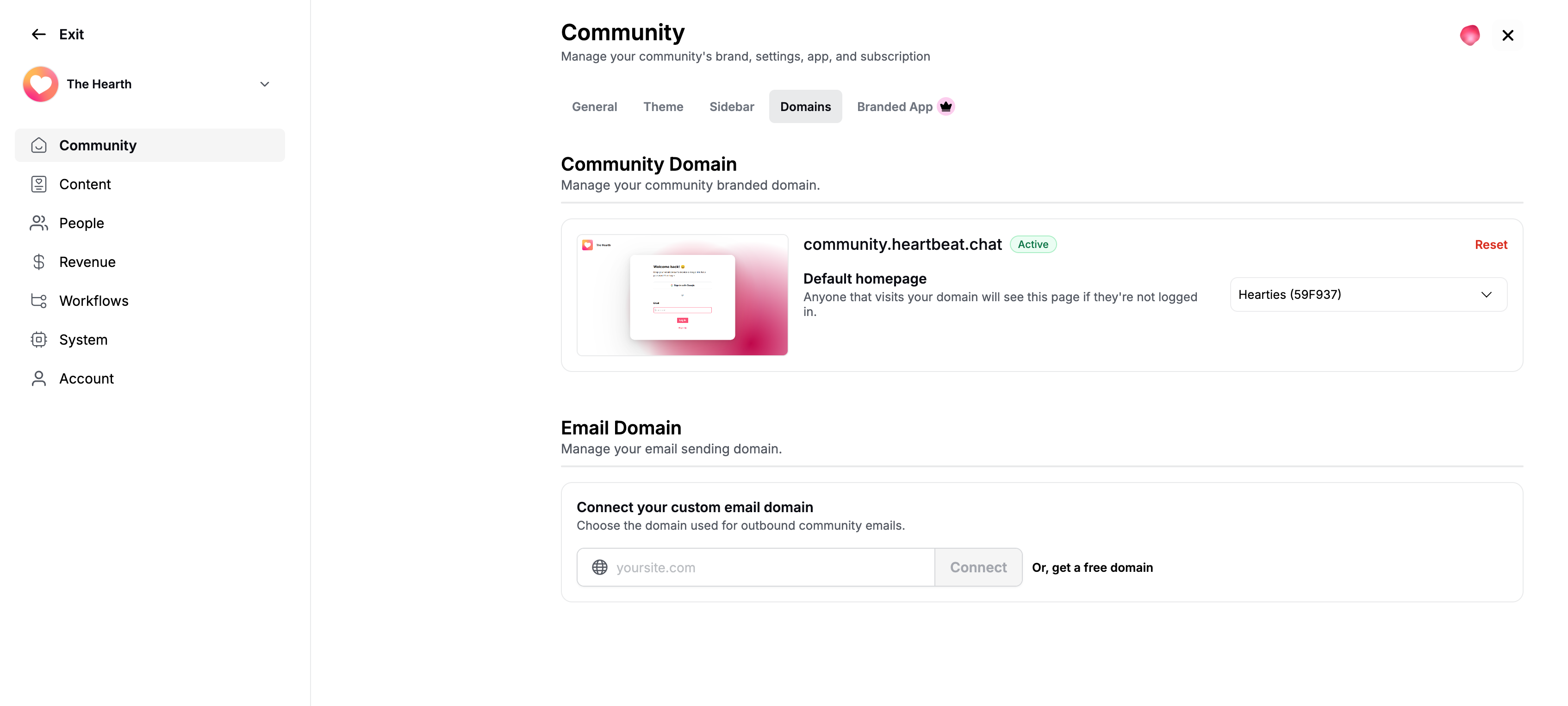
The Domains settings page got a full refresh along the way. You'll see a live preview of what visitors hit when they land on your domain, pick the default homepage they should see (a custom page or a sign up link), and check your domain's status at a glance.