Your settings, reorganized
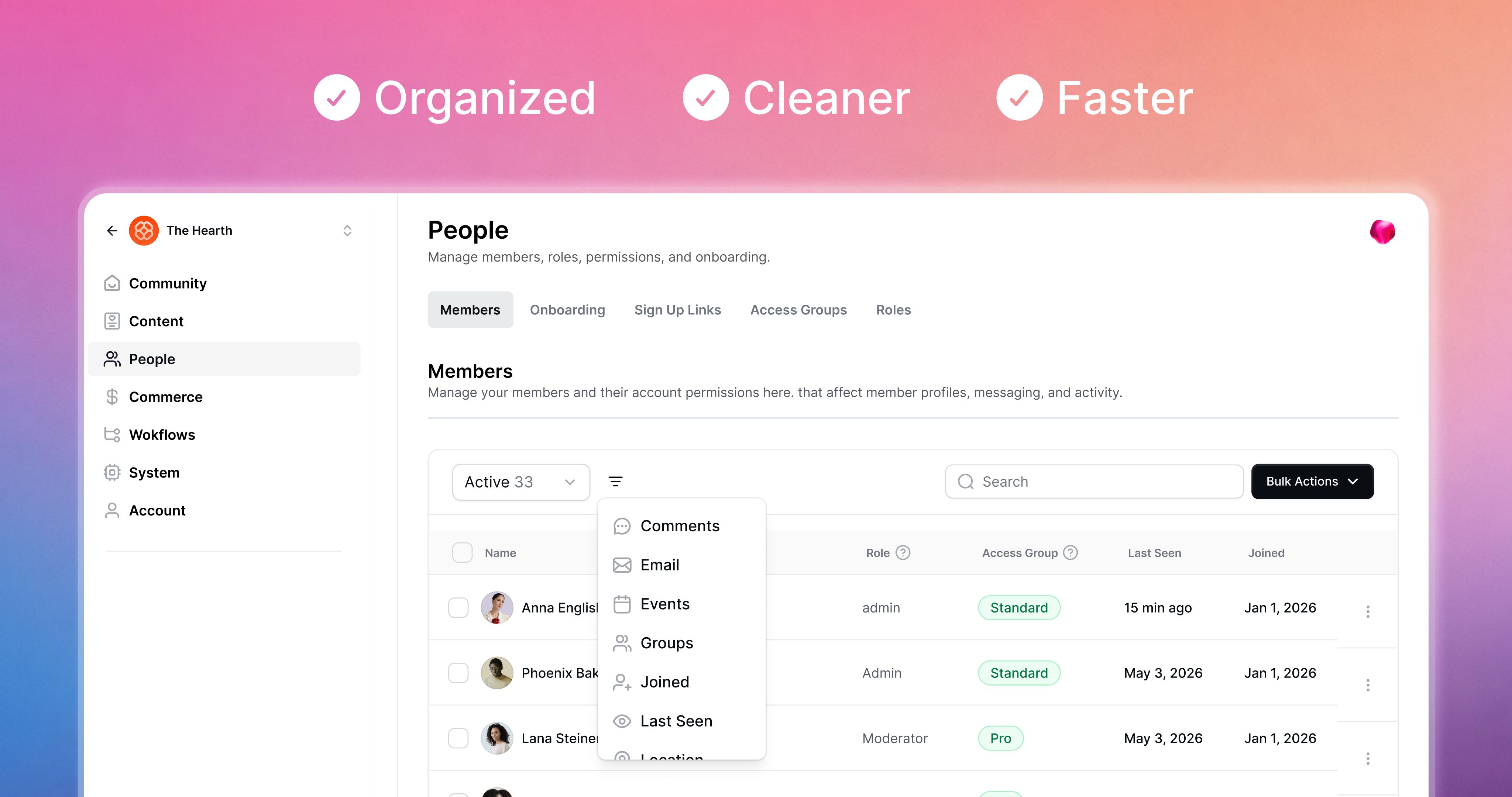
Your settings used to be one long list that just kept getting longer. We did some spring cleaning.
Open your settings now and you'll see seven categorized sections in the sidebar instead of one sprawling menu. Everything you had before is still there. It's just easier to find.
What's where
Community: General settings, theme, sidebar, custom URL and email domains, branded app
Content: Video library, email content, emojis
People: Members, onboarding, sign up links, access groups, roles
Revenue: Payments, offers, waitlists, affiliates, conversion tracking, subscription migration
Workflows: Active, scheduled, automated, paused, and completed runs in one filterable table
System: Pulse settings, integrations, API keys, billing, legal
Account: Your profile, affiliate link, notifications, groups, auto-responder
Small wins worth calling out
Emojis got their own page with a searchable table. Easier to scan when you've built up a big set.
Email is split into domain and content. And content customization is going to grow.
Workflows are now a filterable table, with search on the way.
The community switcher lives inside settings as well. Click your community name up top to jump between communities.
Pulse stays pinned in the top right of every settings page.
Support is still one click away, in the bottom left.
A note on the new look
This is the first part of Heartbeat with our new design refresh, which we're calling Rhythm. More of the product will move over to the new look page by page in the coming months.
Expect small refinements through the next week. Tell us what feels off. We'll keep refining as you use it.